
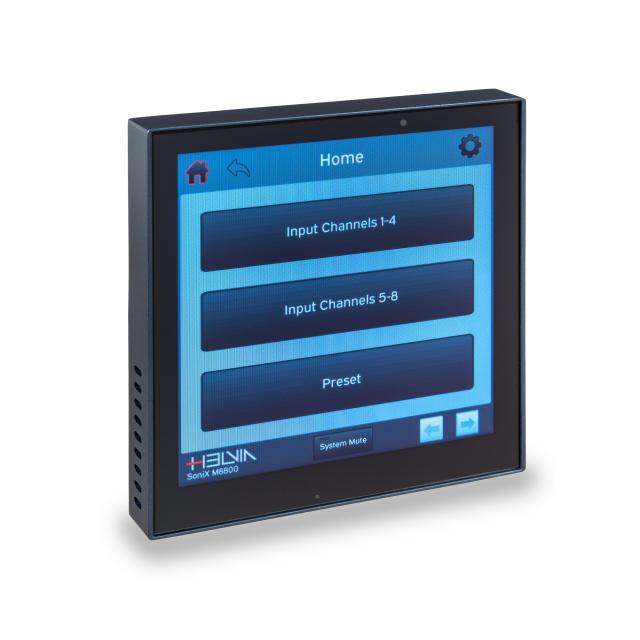
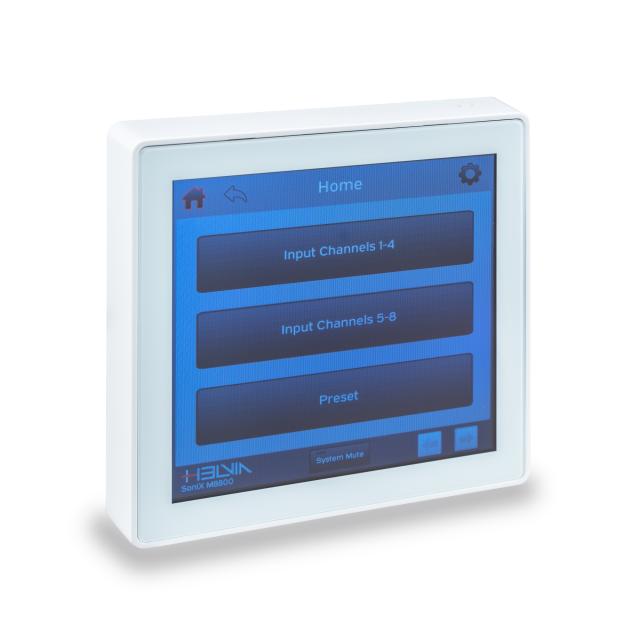
SONIX CT4W Wall Panel with 4” TFT Touch Screen (Light Grey) for SoniX M0808D & M1616D
Download product sheetWhen it comes to complex multi-zone installations, it's almost natural that each zone requires local control of at least the main functions, such as volume, mute, and any on/off buttons for any equipment connected to the main matrix via GPI/O commands (e.g., curtain up/down buttons, projector or TV activation, video conferencing system activation, etc.). SoniX... Read more
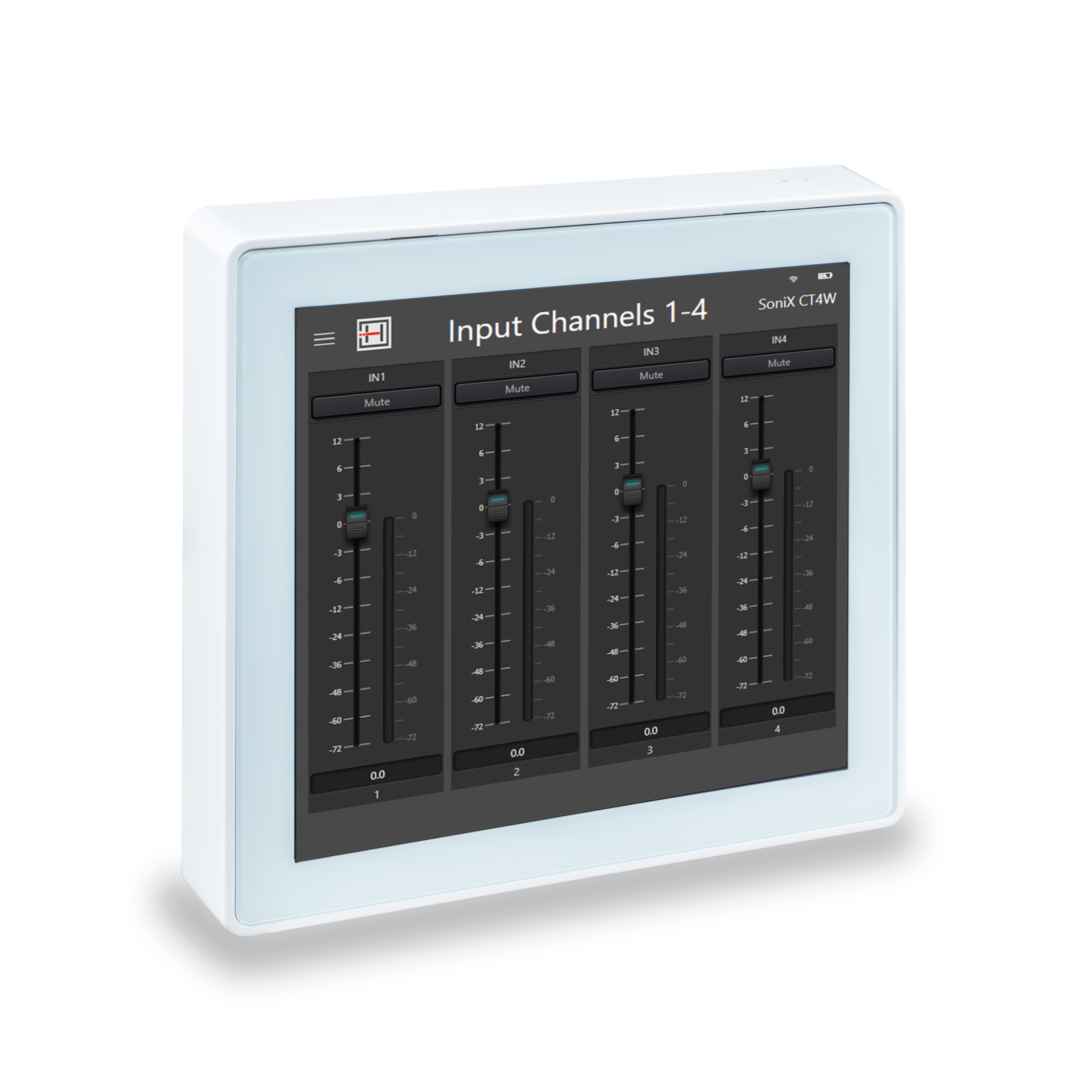
When it comes to complex multi-zone installations, it's almost natural that each zone requires local control of at least the main functions, such as volume, mute, and any on/off buttons for any equipment connected to the main matrix via GPI/O commands (e.g., curtain up/down buttons, projector or TV activation, video conferencing system activation, etc.). SoniX CT4W allows for all this, providing the installer with all the tools to customize the functions and layout.
Equipped with a 4" TFT color touchscreen, the SoniX CT4W runs the Android 10 operating system. It's powered by a 1.6GHz 64-bit quad-core ARM Cortex A53 processor. The control protocol is UDP; address setting is TCP/IP with a standard RJ-45 connection.
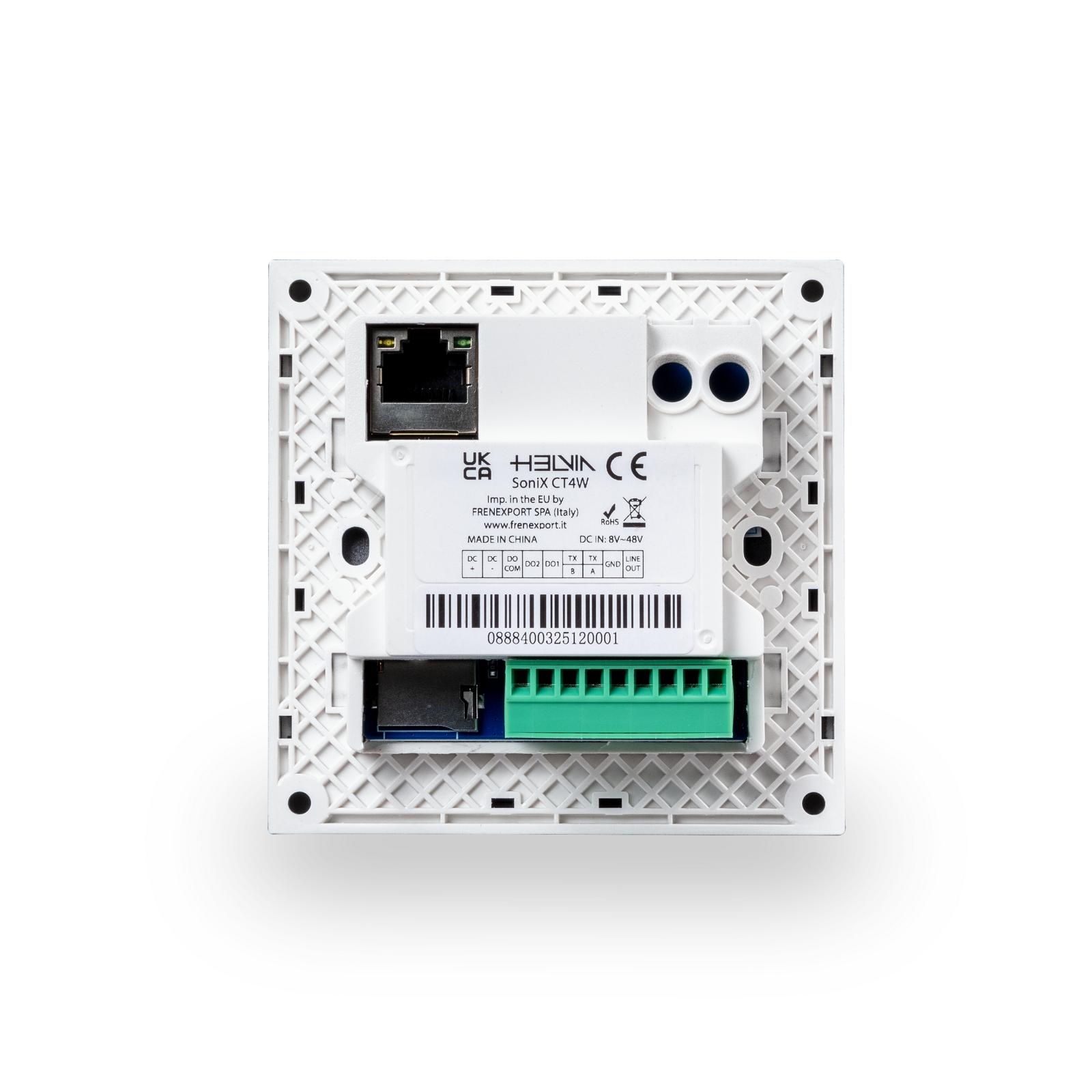
Power is available via both PoE (a PoE-capable network switch is required) and +12VDC via an external power supply (not included). Installation is very simple, thanks to the detailed assembly instructions.
Collapse textProduct downloads
Highlights

Fully Customizable Interface
The graphical interface can be fully customized using the application built into the SoniX MD series matrix switcher's Windows PC control software, accessible from the "User Interface" function in the Settings menu.
A library of functions (labels, buttons, sliders, level indicators, matrix structure, and more) allows you to quickly create the graphical interface needed for specific zone wall control.

Suitable for all devices
The Template menu allows you to define the screen size, allowing you to create graphical interfaces not only for the SoniX CT4W wall switches, but also for any mobile device or tablet, whether Android or iOS (you must download the DSP Pro app from Google Play or the App Store).

UDP, RS232, RS-485 commands ready to be used
The control software includes the matrix’s user manual in the Help menu (or additionally taken from the Downloads section of HELVIA website (https://www.helviasystems.com/en/services/downloads). Among the various sections, you will find the list of all possible Hexadecimal or ASCII commands, the selection of the communication type (UDP, RS-232, RS-485) and the command strings relating to all the main input, output and editing functions.

8 GPI/O for input or output controls
As mentioned, SoniX MD matrices can manage 8 GPIs and 8 GPOs (General Purpose Inputs/Outputs). These analog inputs/outputs are triggers used to control automatic activators that can be connected to any device (motors for opening and closing curtains, turning on electrical appliances such as projectors, video conferencing systems, audio systems, etc.).
The polarity, as well as the associated input or output command, can be selected by the user. For example, it is possible to set a preset that, when recalled (even from a wall panel or tablet), turns off the room lights, starts the projector, and move down the projection screen. Or it is possible to turn on a video conferencing system and activate audio recording on the dedicated device. SoniX matrices open a myriad of AV automation possibilities.
 DSP
DSP
 PC Control Software
 RS-232 Communication
 RS-485 Communication
 TCP/IP Protocol
Product details
Key features
- 4-inch / 480x480pixel TFT Touch Screen
- Quad-Core ARM Cortex A53 CPU 1.6GHz / 64-bit Processor
- UDP Control Protocol
- TCP/IP with PoE function
- Micro-SD Port for Android OS upgrade (The unit comes with OS already installed)
Specifications
-
DisplayCapacitive 4” TFT touch screen
-
Resolution480x480px
-
Operating SystemAndroid 10
-
ProcessorQuad - core ARM Cortex A53 CPU 1.6GHz, 64 - bit
-
Control ProtocolUDP
-
Address Setting MethodTCP/P
-
Signal Line Length100 meters
-
Power Supply MethodPoE & + 12VDC (Power Adapter non supplied)
-
Connection PortRJ - 45
-
Power Consumption< 8W
-
ColorLight Gray
-
Operating Temperature-10°C / +50 °C
-
Cutout Size (WxDxH)87.2x40.5x87.2mm
-
Product Size (WxDXH)86.2x40.5x 86.2mm
-
Power Supply8V - 48V (Standard 12V/1A); Network Port PoE Power Supply 48V
- More Less
Related products
-

HELVIA
SONIX 4800F
4In-8Out Digital Audio Processor with FIR and DEQ
View product
-
New
HELVIA
SONIX PHDMI2
Dante® 2CH HDMI™ Input Adapter
View product
-
HELVIA
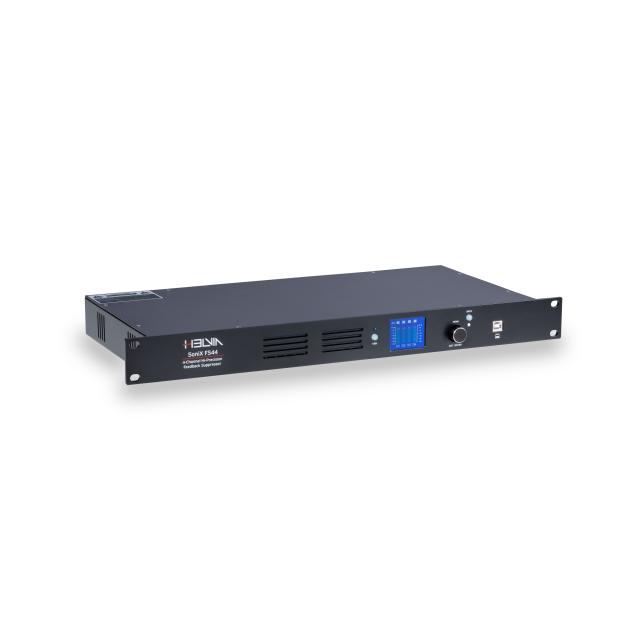
SONIX FS44
4-Channel Hi-Precision Feedback Suppressor
View product
-
New
HELVIA
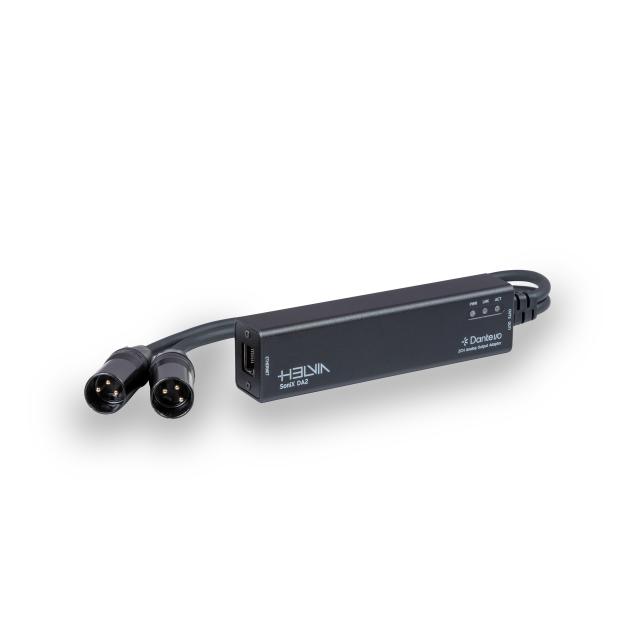
SONIX DA2
Dante™ I/O Interface, 2x Analog Output, PoE, Plug & Play
View product
-
New
HELVIA
SONIX M0808D
8In-8Out DSP Audio Matrix with built-in 8x8 Dante™ Channels
View product
-
New
HELVIA
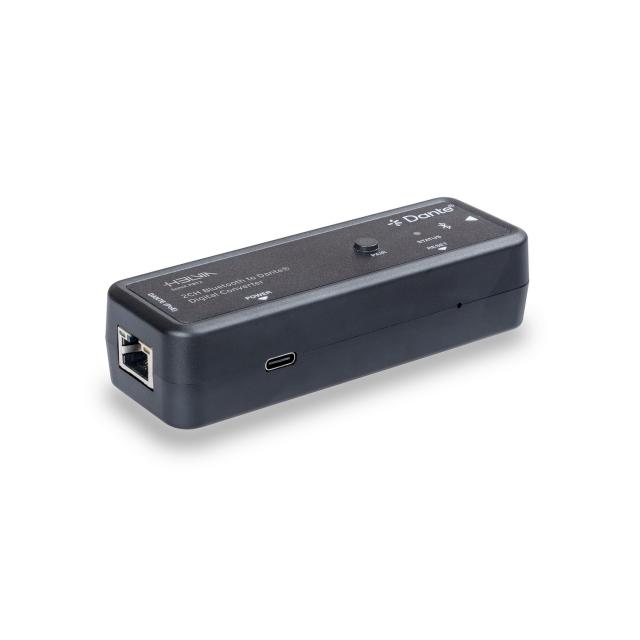
SONIX PBT2
2-Ch Bluetooth to Dante® Digital Converter
View product
-
HELVIA
SONIX MWP BK
4" Wall Touch Screen Panel for SoniX M8800 Audio Matrix (Black)
View product
-
HELVIA
SONIX MWP WH
4" Wall Touch Screen Panel for SoniX M8800 Audio Matrix (White)
View product

More information? Get in touch